
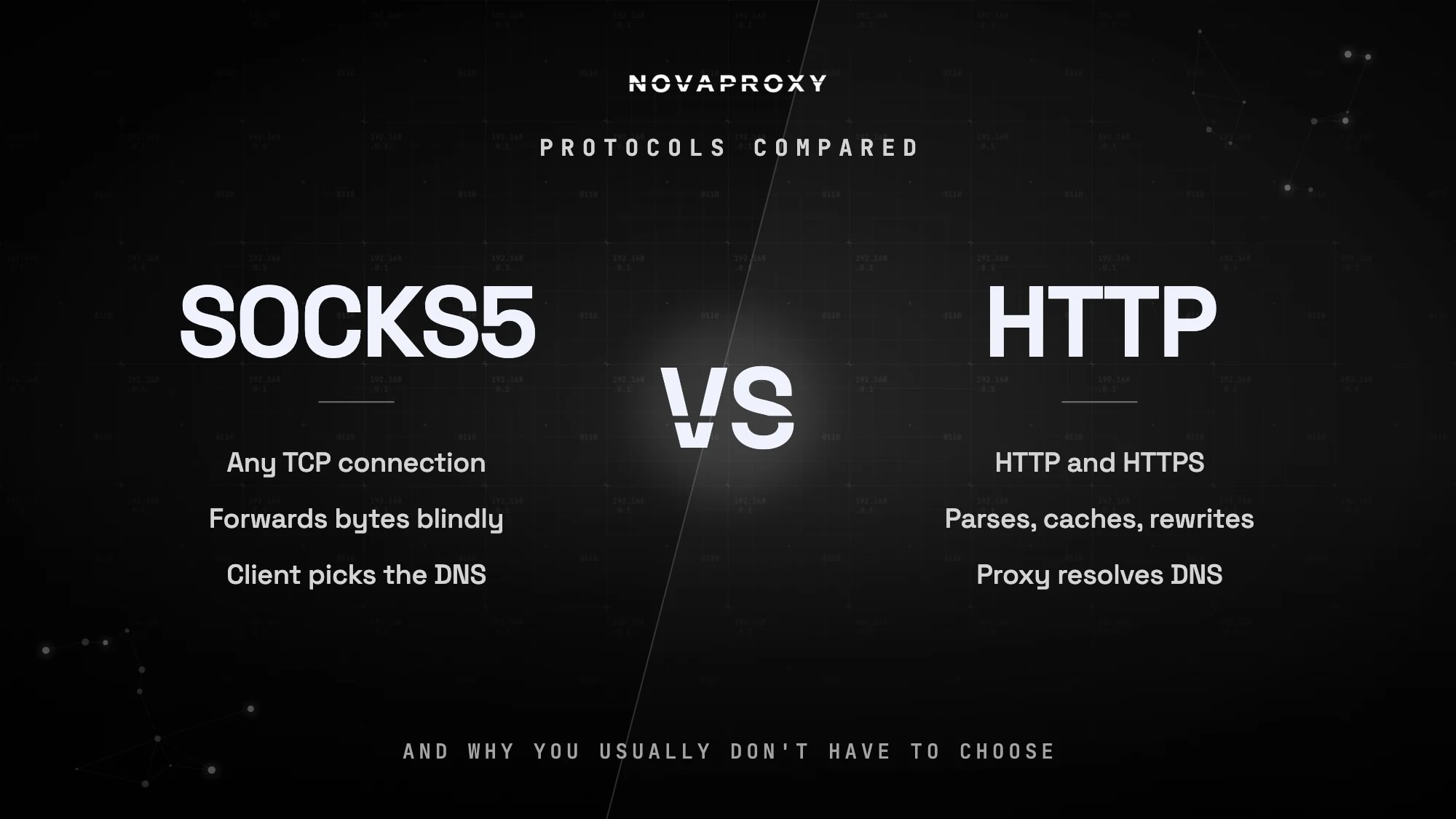
The difference between HTTP and SOCKS proxies comes down to what they understand. An HTTP proxy is built specifically for web traffic — it parses the requests passing through it and can read, cache, or modify them. A SOCKS proxy operates a level lower: it's a blind relay that forwards any TCP connection without looking inside, whether that's a web page, a mail session, or a custom protocol. Neither is "better" — they're different tools, and the right one depends on what your application speaks.
The practical short answer: use an HTTP proxy for browsers, scrapers, and anything that talks HTTP(S); use SOCKS5 when your traffic isn't plain web requests or your tool specifically asks for it. And — something most comparison articles skip — with modern providers you don't choose at purchase time. The same proxy credentials usually work over both protocols, so this is a configuration decision, not a buying decision.
What Is an HTTP Proxy?
An HTTP proxy is an intermediary that speaks the same protocol as the web itself. It operates at the application layer (Layer 7 of the OSI model), which means it fully understands the requests it handles: the URL you're fetching, the headers you're sending, the response coming back. That awareness is its defining feature — an HTTP proxy can cache repeated responses, rewrite headers, enforce access rules, and return meaningful HTTP status codes when something goes wrong.
Encrypted traffic works differently than many people assume. When you request an HTTPS site through an HTTP proxy, your client sends a CONNECT request, and the proxy opens a raw tunnel to the destination. From that point it forwards encrypted bytes without seeing the content — behaving, in effect, exactly like a SOCKS proxy for the duration of that connection. This is why the common claim that "HTTP proxies can read all your traffic" is wrong for the HTTPS sites that dominate today's web: the proxy sees which host you connected to, but not what you sent or received.
What Is a SOCKS Proxy?
A SOCKS (Socket Secure) proxy operates at the session layer (Layer 5), below the protocols applications speak. It doesn't parse or interpret anything: your client asks it to connect to a host and port, and it relays the bytes in both directions. Because it never needs to understand the traffic, it works with virtually any TCP-based protocol — web, email, SSH, database connections, custom binary protocols.
The SOCKS protocol has gone through three versions you'll still encounter:
| Version | Transport | Authentication | DNS handling |
|---|---|---|---|
| SOCKS4 | TCP only | None | Client must resolve hostnames itself |
| SOCKS4a | TCP only | None | Proxy can resolve hostnames |
| SOCKS5 | TCP (spec also defines UDP) | Username/password, GSSAPI | Local or remote — client's choice |
In 2026, SOCKS5 is the only version worth using: it added authentication, remote DNS resolution, and IPv6 support. When providers or tools say "SOCKS proxy" today, they almost always mean SOCKS5. For a deeper look at the protocol internals, see our guide to proxy protocols explained.
SOCKS Proxy vs HTTP Proxy: Key Differences
| HTTP proxy | SOCKS5 proxy | |
|---|---|---|
| OSI layer | Application (Layer 7) | Session (Layer 5) |
| Traffic supported | HTTP and HTTPS | Any TCP connection (UDP in the spec; provider support varies) |
| Understands your traffic | Yes — parses requests, can cache and modify them | No — forwards bytes blindly |
| HTTPS handling | Opaque tunnel via CONNECT | Opaque tunnel, natively |
| DNS resolution | Proxy resolves hostnames | Client chooses: local or remote (socks5:// vs socks5h://) |
| Error reporting | HTTP status codes (403, 407, 429…) | Connection-level errors only |
| Typical users | Browsers, scraping frameworks, SEO tools | Antidetect browsers, automation tools, non-web apps |
Two of these rows matter far more than the rest in practice.
Error visibility. Because an HTTP proxy speaks HTTP, it can tell you why a request failed — a 407 means your credentials are wrong, a 429 means you're being rate-limited. A SOCKS proxy can only drop or refuse the connection. If you're running a scraper that needs to distinguish "proxy auth failed" from "target blocked me," HTTP-mode error codes make debugging and retry logic significantly easier.
DNS resolution. With SOCKS5, your client decides where hostnames get resolved. Using socks5h:// (the h stands for hostname) sends the hostname to the proxy for remote resolution — so DNS lookups happen from the proxy's network, not yours. This prevents DNS leaks and ensures geo-targeted requests resolve against the DNS view of the exit location. With plain socks5://, your machine resolves the name locally first, which can leak your activity to your local resolver.
SOCKS5 vs HTTP: Which Is Faster?
Honest answer: for real-world workloads through a commercial proxy network, the protocol makes almost no measurable difference. SOCKS5 has marginally less per-request overhead because it doesn't parse traffic, and HTTP proxies can occasionally be faster when caching kicks in — but both effects are noise compared to what actually determines proxy performance: the quality and location of the exit IP, the provider's network capacity, and how the target site treats your IP type. A datacenter IP versus a residential IP changes your success rate and latency far more than SOCKS versus HTTP ever will.
If someone tells you to switch protocols to fix a slow proxy, they're diagnosing the wrong layer.
When to Use an HTTP Proxy
- Web scraping and crawling — scraping frameworks are built around HTTP proxies, and status-code errors make block detection and retry logic cleaner
- Browser traffic — browser proxy settings and most browser automation stacks default to HTTP proxies
- SEO and ad-verification tools — most accept only
http://proxy URLs - Anything where you want request-level control — header injection, caching, or filtering at the proxy layer
When to Use a SOCKS5 Proxy
- Non-web protocols — mail clients, SSH tunnels, database connections, custom TCP applications
- Apps with native SOCKS5 support — Telegram is the classic example: its built-in proxy settings speak SOCKS5, not HTTP
- Tools that ask for it — many antidetect browsers, mobile farm setups, and automation tools are designed around SOCKS5
- Avoiding DNS leaks —
socks5h://with remote resolution keeps hostname lookups off your local network - Restrictive networks — SOCKS5 traffic on non-standard ports sometimes passes firewalls that intercept HTTP proxy traffic
You Usually Don't Have to Choose
Here's the part that makes most "which should you buy" advice obsolete: on modern networks, protocol is a per-connection choice, not a product tier. NovaProxy's residential proxies — like our datacenter, ISP, and mobile products — accept both HTTP(S) and SOCKS5 on the same gateway with the same credentials. The URL scheme you configure is all that decides the protocol:
HTTP mode:
curl -x "http://USERNAME:PASSWORD@residential.novaproxy.io:12321" https://ipwho.is/SOCKS5 mode, with remote DNS:
curl -x "socks5h://USERNAME:PASSWORD@residential.novaproxy.io:12321" https://ipwho.is/The same applies in Python — install requests[socks] and switch the scheme:
import requests

proxy_http   = "http://USERNAME:PASSWORD@residential.novaproxy.io:12321"
proxy_socks5 = "socks5h://USERNAME:PASSWORD@residential.novaproxy.io:12321"

# Identical request, either protocol
for proxy in (proxy_http, proxy_socks5):
    r = requests.get("https://ipwho.is/", proxies={"http": proxy, "https": proxy})
    print(r.json()["ip"])
So the real decision tree is short: does your tool or protocol require SOCKS5? Use SOCKS5. Otherwise HTTP mode is the default that everything supports, with better error reporting when things go wrong.
Frequently asked questions
Marginally, in theory — it skips request parsing. In practice the difference is unmeasurable next to exit-IP quality, network capacity, and how the target site responds to your IP. Choose the protocol by compatibility, not speed.
Not inherently. Neither protocol encrypts your traffic — encryption comes from TLS on the connection inside the proxy. For HTTPS sites, both proxy types carry an opaque encrypted tunnel and see only the destination host. SOCKS5 does offer one real privacy edge: remote DNS resolution (socks5h://), which keeps hostname lookups away from your local resolver.
"HTTPS proxy" usually just means an HTTP proxy that handles HTTPS sites through CONNECT tunneling — nearly all do. (Less commonly it means your connection to the proxy itself is TLS-encrypted.) A SOCKS proxy tunnels HTTPS the same way but also carries any other TCP protocol. For loading HTTPS websites, the two behave almost identically.
Yes — SOCKS5 carries HTTP traffic without issue, and scraping libraries like Python requests support it via socks5h:// URLs. HTTP mode remains the more common choice for scrapers because proxy-level status codes make block and auth errors easier to handle, but plenty of scraping stacks run on SOCKS5, especially those built on antidetect browsers. For bandwidth-heavy crawls, unlimited residential proxies let you run either protocol without watching a per-gigabyte meter.
Not from us. Every NovaProxy plan supports both protocols on the same endpoint and credentials — generate your proxy list once and use whichever scheme your tool needs, per connection.
Test Both Protocols Yourself
The cheapest way to settle a protocol question is to run your actual workload over both modes and compare. Paste your credentials into our free proxy checker to verify connectivity, latency, and exit-IP details over HTTP, SOCKS4, or SOCKS5 — then claim a free trial and run your real traffic before scaling up.

