
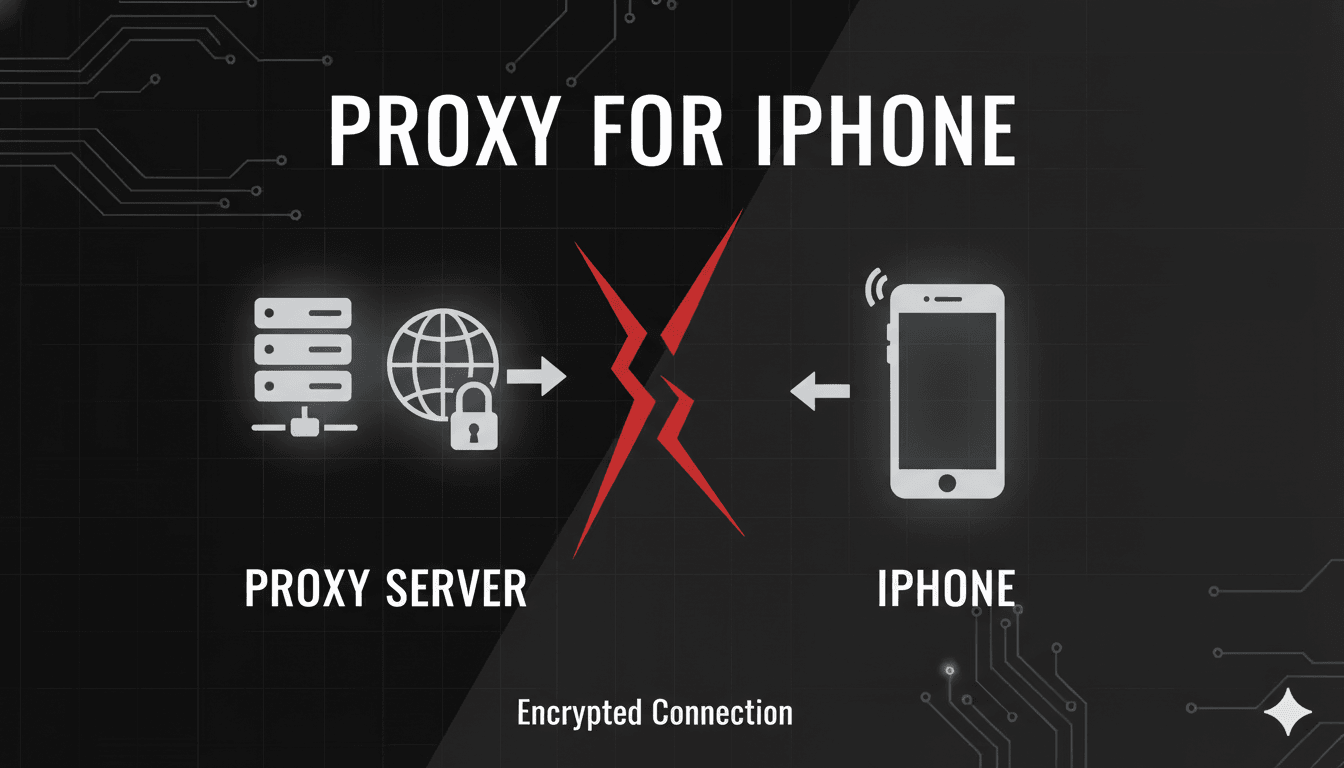
In an age where our digital lives are centered around our smartphones, ensuring the privacy, security, and flexibility of our online activities is more important than ever. For iPhone users, a proxy server can be a powerful tool to achieve these goals. This article will guide you through the benefits of using a proxy on your iPhone, how to set one up, and introduce you to a premium solution to elevate your mobile browsing experience.
Why Use a Proxy on Your iPhone?
A proxy server acts as an intermediary between your iPhone and the internet, masking your real IP address and routing your traffic through a different server. This simple change can unlock a host of advantages:
- Enhanced Privacy and Anonymity: By hiding your true IP address, a proxy prevents websites, advertisers, and other online entities from tracking your physical location and online behavior. This added layer of privacy helps to keep your personal information secure.
- Access Geo-Restricted Content: Have you ever been blocked from watching a video or accessing a website because of your location? A proxy allows you to connect to a server in a different country, effectively bypassing these geo-restrictions and giving you access to a world of content.
- Bypass Network Restrictions: Whether you're at school, work, or on a public Wi-Fi network with content filters, a proxy can help you bypass these limitations, granting you unrestricted access to the internet.
- Improved Security on Public Wi-Fi: Public Wi-Fi networks are notoriously insecure. A proxy can add a crucial layer of security, encrypting your traffic and protecting your sensitive data from potential eavesdroppers.
How to Set Up a Proxy on Your iPhone
Configuring a proxy on your iPhone is a straightforward process that can be done in just a few steps. It's important to note that iOS natively supports HTTP/S proxies through the Wi-Fi settings. Here’s how you can do it:
- Open Settings: Tap on the "Settings" icon on your iPhone's home screen.
- Go to Wi-Fi: In the Settings menu, select "Wi-Fi."
- Select Your Network: Tap the information icon (the blue "i") next to the Wi-Fi network you are currently connected to.
- Configure Proxy: Scroll down to the bottom of the network details screen and tap on "Configure Proxy."
- Manual Setup: Select the "Manual" option.
- Enter Proxy Details: You will see fields for "Server," "Port," and "Authentication." Enter the proxy server's IP address or hostname in the "Server" field and the corresponding port number in the "Port" field.
- Enable Authentication (If Required): If your proxy requires a username and password, toggle the "Authentication" switch on and enter your credentials.
- Save Your Settings: Tap "Save" in the top-right corner to apply the new proxy settings.
Once configured, your iPhone's web traffic for that specific Wi-Fi network will be routed through the proxy server.
NovaProxy: The Ultimate Proxy Solution for Your iPhone
While the setup process is simple, the quality and reliability of your proxy provider are paramount. This is where NovaProxy stands out as a premium choice for iPhone users. With a massive network of over 100 million IPs in more than 200 countries, NovaProxy offers unparalleled performance and flexibility.
For iPhone users, NovaProxy's Mobile Proxies are particularly beneficial. Here’s why:
- Authentic Mobile IPs: With over 1 million 4G/5G mobile IPs from real devices, your traffic will be indistinguishable from that of a regular mobile user. This is ideal for social media management and ad verification directly from your iPhone.
- Global Coverage: Access content and services from over 50 countries with connections to more than 100 mobile carriers.
- High-Speed Connectivity: Experience fast and reliable connections with speeds of up to 10GBPS, ensuring a smooth browsing experience.
In addition to Mobile Proxies, NovaProxy offers a comprehensive suite of solutions that can be tailored to your specific needs:
- Residential Proxies: With a pool of over 100 million ethically sourced residential IPs, you can enjoy high levels of anonymity and bypass geo-restrictions with ease. These are perfect for web scraping, market research, and price comparison.
- Static ISP Proxies: For activities that require a consistent online identity, such as online banking and e-commerce, Static ISP Proxies offer the speed of datacenter IPs with the legitimacy of a residential connection.
All NovaProxy services are supported by 24/7 technical assistance and a user-friendly dashboard for easy management. With flexible payment options, including credit cards and cryptocurrencies, getting started is simple and secure.
Conclusion
Using a proxy on your iPhone is a simple yet effective way to enhance your online privacy, security, and freedom. By following the easy setup steps and choosing a reliable provider like NovaProxy, you can unlock the full potential of your device. Whether you're looking to access global content, secure your data on public Wi-Fi, or manage multiple social media accounts, NovaProxy has a tailored solution to meet your needs.

