
On this page10 sections
- 01ISP vs. residential proxies: the short answer
- 02What is an ISP proxy?
- 03What is a residential proxy?
- 04ISP vs. residential proxies: head-to-head comparison
- 05Geo-targeting: the biggest practical gap
- 06Pricing: per IP vs. per gigabyte
- 07When to use each proxy type
- 08Which one should you choose?
- 09Frequently asked questions
- 10Getting started
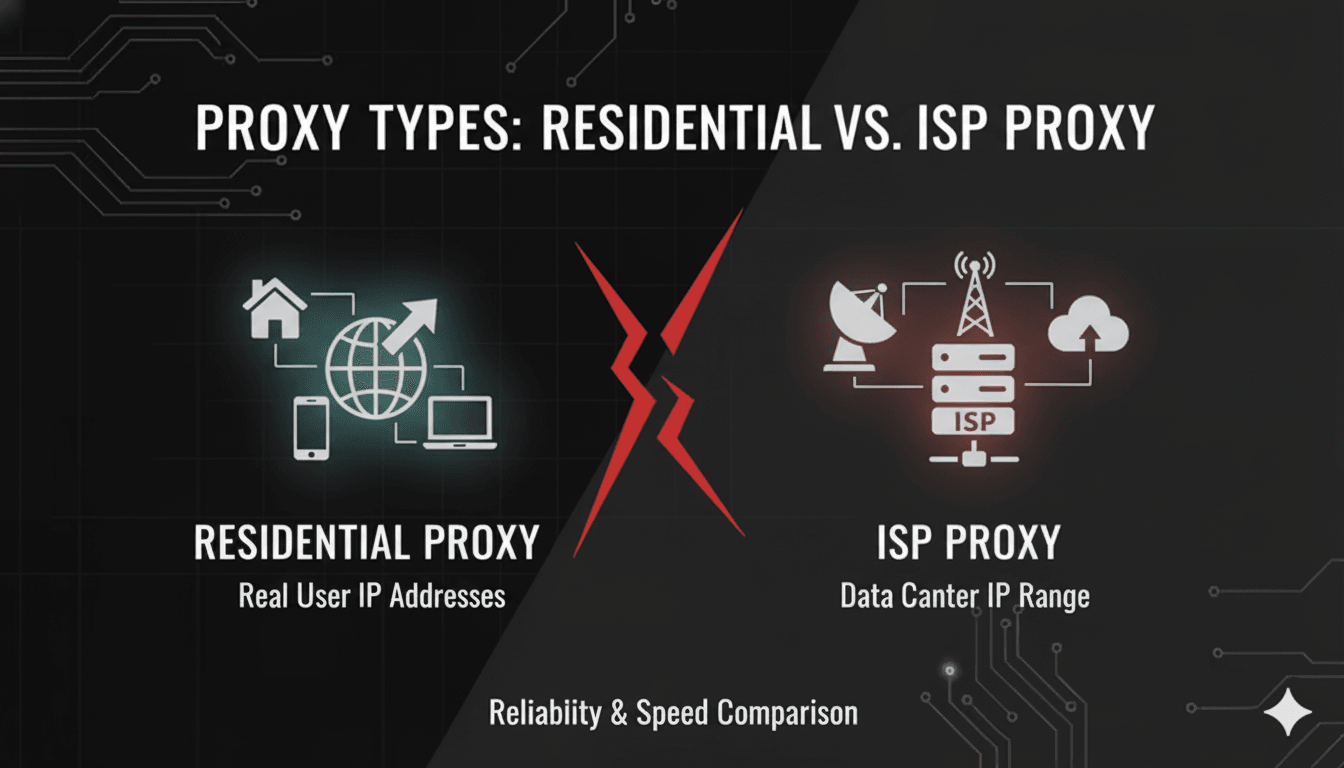
ISP proxies and residential proxies both give you an IP address that looks like an ordinary home connection. The difference is where the machine actually sits. An ISP proxy runs on a server in a datacenter, using an IP range registered to an internet service provider — fast, stable, and dedicated to you. A residential proxy routes through a real consumer device on a real home network — harder to detect, but slower and drawn from a shared pool.
That one distinction drives everything else: speed, how deep you can target a location, how you get billed, and which one survives on a well-defended website. Here is the full comparison.
ISP vs. residential proxies: the short answer
Choose ISP proxies when you need the same IP address every time — logged-in accounts, allowlisted API endpoints, anything with a session that has to survive for weeks. Choose residential proxies when you need volume, variety, or a precise location — large scraping jobs, hard targets that block datacenter ranges, or data that changes by city.
Most teams eventually run both, because the two solve opposite problems: an ISP proxy is one trusted identity you keep, and a residential proxy is many disposable identities you cycle through.
What is an ISP proxy?
An ISP proxy — also called a static residential proxy — is hosted in a datacenter but assigned an IP address from a block registered to a consumer internet service provider such as AT&T or Verizon. To the website you visit, the address belongs to a residential customer. To you, it behaves like a datacenter server: always online, consistently fast, and unaffected by whether some stranger's laptop happens to be switched on.
Advantages of ISP proxies
- The IP never changes. You keep the same address for as long as you hold the plan, which is what makes long-lived logins and IP allowlists possible.
- Dedicated, not shared. Nobody else is routing traffic through your IP, so nobody else's behaviour can get it flagged.
- Datacenter speed with residential trust. Connections run on 1 Gbps infrastructure with no dependence on a home broadband line.
- Unlimited bandwidth. Because you rent the IP rather than the traffic, heavy transfer does not increase the bill.
Disadvantages of ISP proxies
- Thin subnet diversity. ISP proxies tend to cluster in a small number of subnets. If a target starts blocking by range rather than by individual IP, neighbouring addresses go down together.
- Limited geographic coverage. Our static ISP pool spans 23 countries, at country level only — no state or city selection.
- They scale by purchase, not by request. Needing a hundred concurrent identities means buying a hundred IPs.
For a closer look at the infrastructure behind them, see our guide to how static ISP proxies work.
What is a residential proxy?
A residential proxy routes your request through a genuine consumer device — a desktop, laptop, or phone sitting on a home network — before it reaches the target. The IP belongs to a real household, and the traffic carries all the ordinary signals of a real household connection.
Advantages of residential proxies
- The highest detection resistance available. The address is a real residential connection, so there is no datacenter fingerprint to catch.
- Enormous IP diversity. A 35M+ pool across thousands of subnets means a subnet-level block costs you almost nothing.
- Deep geographic reach. 195+ countries with state- and city-level selection.
- Rotation you control. Take a fresh IP on every request, or hold one for up to 24 hours with a sticky session when a workflow needs continuity.
Disadvantages of residential proxies
- Variable latency. You inherit whatever the host device's connection is doing, so response times are less predictable than a datacenter route.
- No permanent address. Sticky sessions extend an IP's life; they do not reserve it forever. If you need the same address next month, this is the wrong product.
- Metered bandwidth. Billing follows gigabytes, so data-heavy jobs get expensive faster than they would on a flat-rate IP.
If the static-versus-rotating question is the one you are really trying to settle, we cover it in depth in static vs. rotating residential proxies.
ISP vs. residential proxies: head-to-head comparison
| Feature | ISP proxies | Residential proxies |
|---|---|---|
| Where the IP lives | Datacenter server, on an IP range registered to an ISP | A real consumer device on a home network |
| IP behaviour | One dedicated IP that never changes | Rotates per request, or holds for up to 24h with sticky sessions |
| Exclusivity | Dedicated to you alone | Drawn from a shared 35M+ pool |
| Speed | 1 Gbps, consistent | Varies with the host device's connection |
| Detection resistance | High — reads as an ISP customer | Highest — indistinguishable from an ordinary visitor |
| Geo-targeting | 23 countries, country level only | 195+ countries, plus 12,000+ state and city locations |
| Bandwidth | Unlimited | Metered per gigabyte |
| Billing model | Flat rate per IP | Per gigabyte of traffic |
| Scales by | Buying more IPs | Sending more requests |
Geo-targeting: the biggest practical gap
This is where the two products separate most sharply, and it is the detail most comparisons skip. ISP proxies are pinned to physical hardware in a limited number of facilities, so the targeting granularity stops at the country — 23 of them, in our case. Residential proxies inherit the geography of real households, which is why the same network reaches 195+ countries and more than 12,000 individual state and city locations.
If your work depends on where the request appears to come from — verifying that an ad rendered in Ohio, checking a retailer's price in Berlin rather than in Germany generally, or auditing local search results — residential is the only one of the two that can answer the question. Our guide to geo-targeting with proxies covers how to build those location-specific credentials.
Pricing: per IP vs. per gigabyte
The two products are billed on completely different axes, so comparing headline numbers is meaningless. What matters is the shape of your workload.
ISP proxies bill per IP, with unlimited traffic. Cost is fixed by how many identities you need and indifferent to how much data you move. A handful of IPs pushing very heavy volume is the cheapest scenario there is.
Residential proxies bill per gigabyte. Cost is fixed by how much data you pull and indifferent to how many IPs you touch. Millions of small requests across thousands of addresses is cheap; downloading images and video at scale is not.
The practical rule: heavy traffic on few identities favours ISP. Light traffic across many identities favours residential. Work out which axis your project actually scales on before comparing any prices.
When to use each proxy type
Use ISP proxies for
- Long-lived account management. Marketplace seller accounts, ad platforms, and social profiles all treat a stable IP as a trust signal — and a sudden IP change as a reason to demand verification.
- Allowlisted access. Any partner API or internal system where an administrator has to approve your address in advance.
- Bandwidth-heavy scraping of moderately defended sites. Unlimited traffic on a fixed IP cost is hard to beat when the target is not aggressive.
- Anything requiring predictable latency, such as automated checkouts or monitoring with tight timeouts.
Use residential proxies for
- High-volume data collection where request concurrency, not bandwidth, is the constraint.
- Aggressively defended targets that block datacenter ranges outright, including sneaker retailers, ticketing, and large social platforms.
- Localised data that only exists at the city level — pricing, inventory, ad delivery, and search results.
- Work that needs many parallel identities and does not care which specific IP is used.
Plenty of projects need both at once. Marketplace work is the clearest example: on Amazon, price and listing scraping runs best on rotating residential IPs, while the seller account behind it wants one dedicated address that never moves. Our Amazon proxy guide walks through how those two jobs are set up side by side.
Which one should you choose?
Work through these in order and the answer usually appears within two questions:
- Does anything have to recognise you tomorrow? If a login, allowlist, or account reputation depends on the IP staying the same — ISP proxies. Nothing else in the comparison outweighs this.
- Does the target block datacenter ranges? If ISP IPs are already getting challenged or banned, residential is the answer regardless of the cost model.
- Do you need a specific city or state? Only residential reaches that granularity.
- Which way does your project scale? Heavy data on a few identities — ISP. Many identities, modest data — residential.
Still uncertain? Buy the smallest plan of whichever the questions point to and run it against your real target for a day. Proxy performance is target-specific, and one afternoon of live testing tells you more than any comparison table — including this one.
Frequently asked questions
They are residential by IP registration, not by location. The address belongs to an ISP's consumer block, so websites classify it as residential — but the server is in a datacenter, not a home. The name "static residential proxy" refers to that registration, which is why the two products are so often confused.
Yes, and more importantly they are more consistent. ISP proxies run on datacenter hardware at a steady 1 Gbps. Residential proxies depend on a stranger's home connection, so throughput varies between requests even when the average is good.
Residential. An ISP proxy passes as a legitimate ISP customer and clears most checks, but a determined anti-bot system can still spot that many requests originate from a narrow set of subnets. Residential traffic comes from genuinely dispersed households and has no such pattern.
Only temporarily. Sticky sessions hold one residential IP for up to 24 hours, which covers most multi-step workflows. For an address that is still yours next week, you need an ISP proxy.
Neither, in the abstract — they are billed on different axes. ISP proxies cost per IP with unlimited bandwidth; residential proxies cost per gigabyte with unlimited IPs. Cost depends entirely on whether your workload scales by identities or by data volume.
Getting started
If the decision points to a dedicated, unchanging address, our static ISP proxies come with unlimited bandwidth on 1 Gbps connections across 23 countries. If it points to reach and rotation instead, the residential network covers 195+ countries with per-request rotation or sticky sessions, billed by the gigabyte.
And if you are genuinely torn, start small on one and test it against your actual target before committing to volume.

